
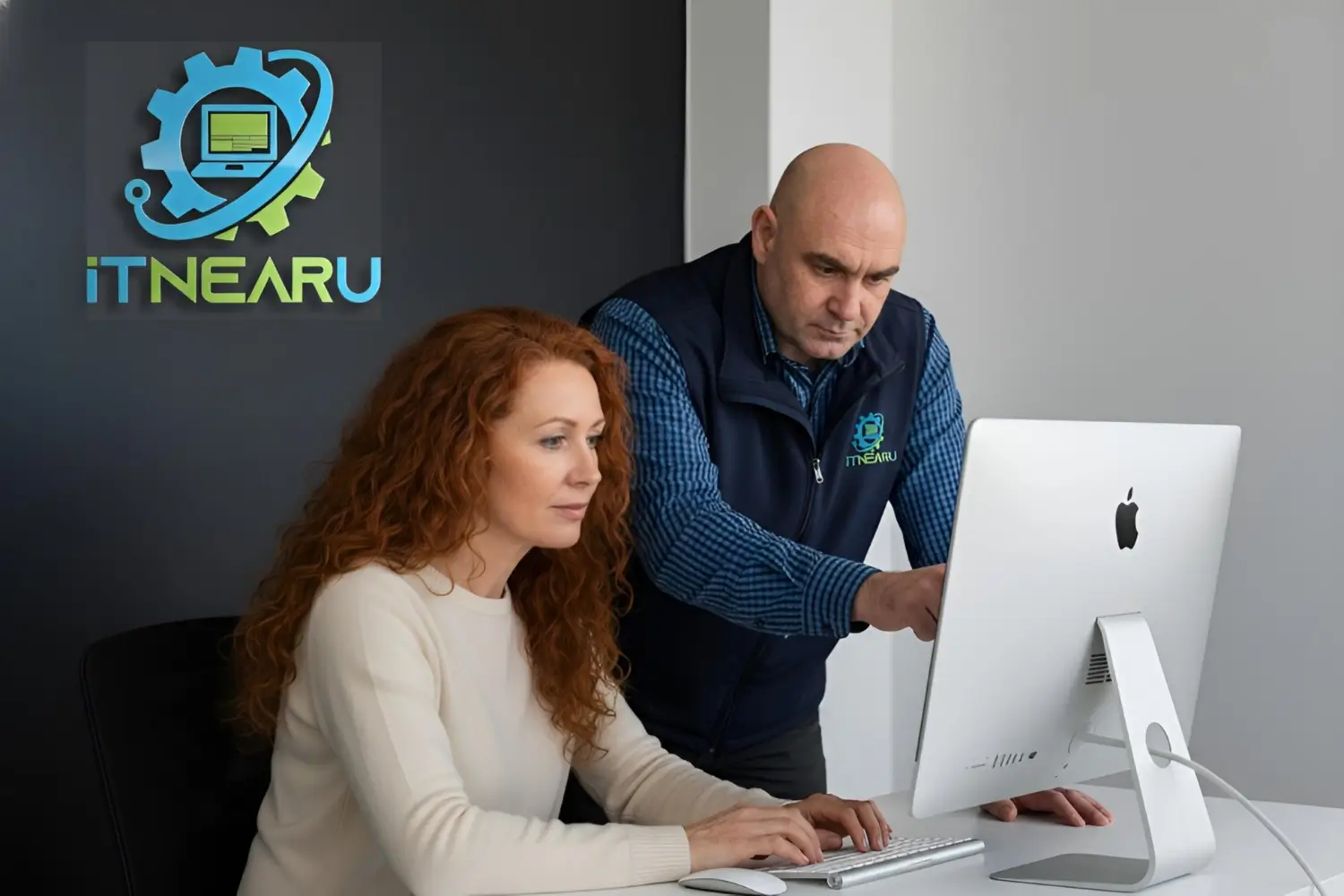
Computer problems disrupt daily routines without warning. Screens freeze during online banking, printers reject documents before deadlines, and Wi-Fi fails during video calls with distant relatives. These frustrations affect everyone from seniors managing health appointments to professionals working from home. Wellington IT support services exist to resolve these interruptions, but not all providers approach problems the same way.
IT NEAR U operates with a people-first philosophy that shapes every interaction. The company serves Wellington, Hutt Valley, Kapiti Coast, and Porirua through mobile technicians who bring expertise directly to clients. Rather than asking people to disconnect equipment and transport it to repair shops, they arrive with diagnostic tools and replacement components. This approach saves time while allowing technicians to observe problems in their actual environment.
The business model emphasises relationship building over transaction completion. Technicians receive job assignments based on skill match rather than geographic proximity. Someone facing Microsoft 365 migration challenges receives help from a cloud services specialist. A resident struggling with Mac performance issues works with an Apple-certified expert. This matching system ensures the right knowledge addresses each situation, whether recovering deleted files or configuring mesh networks.
Transparency guides billing practices. Every job gets logged in time management systems, producing detailed reports that itemise work performed. Clients receive clear explanations of what went wrong, how it was fixed, and what steps prevent recurrence. Mobile technicians carry EFTPOS terminals for convenient payment, eliminating the need for separate transactions. These practices build trust through predictable, honest interactions.
Wellington IT support extends to diverse client groups with varying needs. Seniors receive SuperGold discounts along with patient guidance on topics such as email safety, password creation, and avoiding online scams. Small businesses benefit from professional email setup, domain registration, and cloud migration assistance. Charities and community organisations access discounted labour rates, recognising budget constraints while ensuring technology doesn’t hinder their missions. This broad reach reflects commitment to serving the entire community rather than focusing on high-margin commercial work.
Documentation forms another pillar of the service approach. Every configuration change, password update, and network modification gets recorded in encrypted knowledge bases. Clients retain control over their own technology while benefiting from detailed records that speed future troubleshooting. This stewardship model prevents vendor lock-in and ensures people can change providers without losing access to system information.
Residential support covers computers, tablets, smartphones, and connected devices across all major platforms. Technicians work with Windows PCs from manufacturers such as HP, Dell, Lenovo, and Acer. They service Apple products including MacBook, iMac, Mac Mini, and Mac Studio. Custom PC builds for gaming, video editing, CAD work, and general office use form another service area. These builds match components to specific requirements rather than offering generic configurations.
Performance optimisation addresses slow computers through file cleanup, registry maintenance, and unnecessary software removal. Hardware upgrades such as RAM installations and SSD replacements extend device lifespan without requiring complete replacements. Preventative maintenance includes internal dust removal and CPU thermal paste renewal. Battery optimisation techniques reduce power consumption on laptops and mobile devices. These interventions delay obsolescence while improving daily performance.
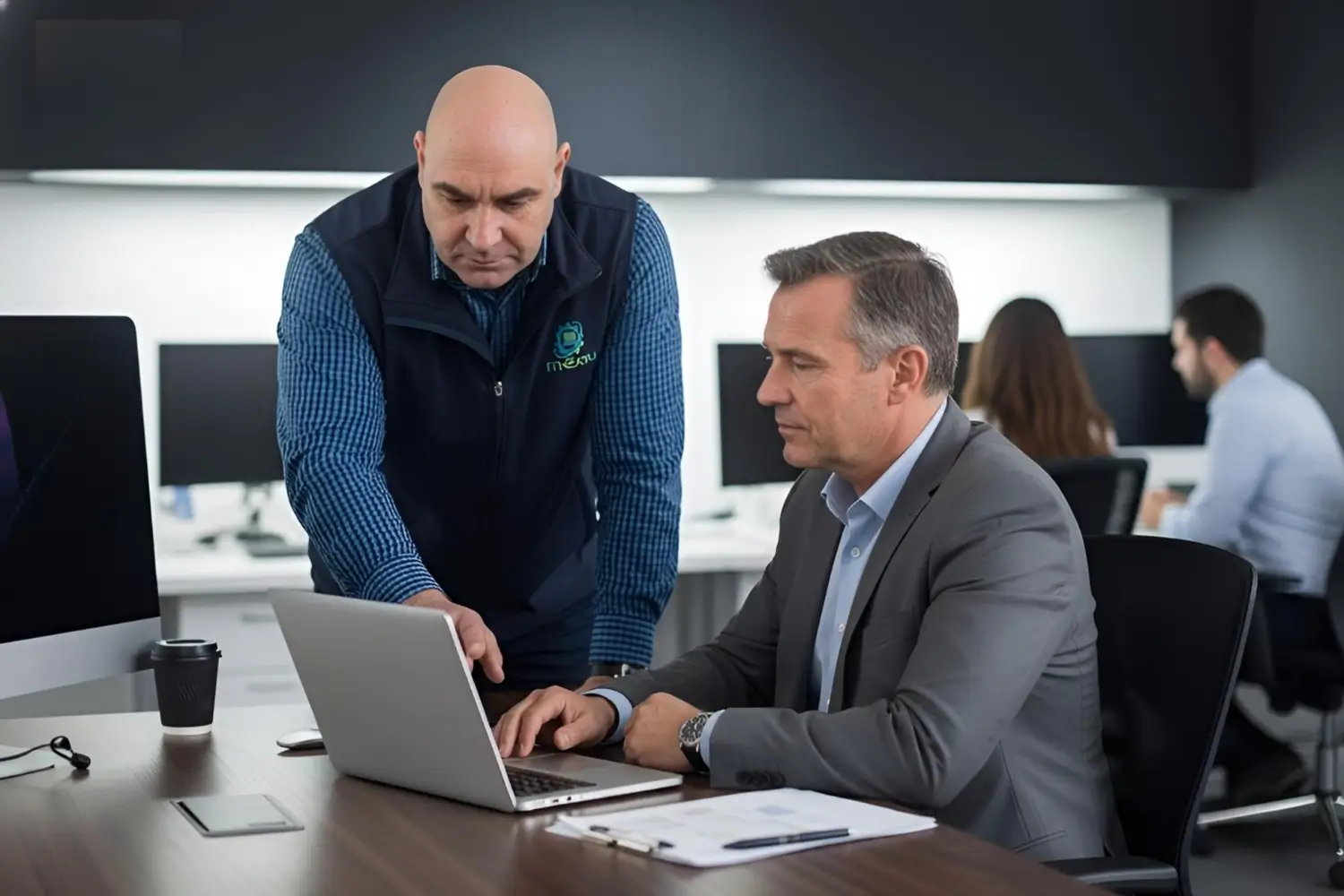
Wellington IT support for businesses includes infrastructure management following ITIL principles. Managed service agreements provide proactive monitoring rather than reactive repairs. Service level agreements define response times and coverage without locking clients into multi-year contracts. Regular audits identify security vulnerabilities, outdated software, and licensing inefficiencies. Cost reviews eliminate redundant subscriptions and right-size licence counts, reducing monthly expenses.
Wi-Fi problems plague both homes and offices. Poor connectivity often stems from router placement, interference sources, or outdated firmware rather than insufficient bandwidth. Technicians conduct comprehensive network assessments that measure signal strength throughout spaces. They recommend placement adjustments, channel changes, and equipment upgrades when needed. Mesh network installations using TP-Link Deco, Omada, and Ubiquiti systems eliminate dead zones while supporting seamless roaming between access points.
Data protection requires more than basic backups. Cloud storage from Microsoft OneDrive, Google Drive, and Dropbox provides convenience but doesn’t guarantee recovery from all failure scenarios. IT NEAR U implements N-able Cove Data Protection for businesses requiring comprehensive backup coverage. These systems protect SharePoint libraries, Exchange mailboxes, and file servers through automated scheduled backups. Recovery options include individual file restoration, full system rebuilds, and point-in-time snapshots.
Security threats continue evolving as criminals develop new attack methods. Virus removal, malware detection, and spyware elimination address existing infections. ESET Internet Security installations provide ongoing protection as an authorised reseller offering. Training sessions educate users about phishing emails, suspicious downloads, and social engineering tactics. Multi-factor authentication setup adds security layers without creating excessive inconvenience. Browser privacy enhancements reduce tracking while maintaining website functionality.
Peripheral support covers printers, scanners, webcams, microphones, and external storage. Wireless printer configuration eliminates cable clutter while enabling mobile printing from phones and tablets. Network printer sharing allows multiple users to access devices without individual connections. Scan-to-folder and scan-to-email setups streamline document digitisation. Custom printer profiles accommodate different paper types, quality settings, and colour management requirements.
Smart home integration connects devices such as thermostats, doorbells, security cameras, voice assistants, and lighting systems. Configuration ensures these products work together smoothly rather than operating as isolated gadgets. Troubleshooting addresses connectivity issues, automation failures, and compatibility problems. The team also assists with streaming device setup for Smart TVs, Apple TV, and Google Chromecast, ensuring content plays reliably across platforms.
Migration services help people switch devices without losing data. Transfer assistance moves files, applications, and settings from old computers to new ones. Email migration preserves messages, contacts, and calendars during platform changes. Cloud migration shifts data from local storage to hosted services while maintaining accessibility. These transitions require careful planning to prevent data loss and minimise downtime.